
Why a server room needs its own cooling
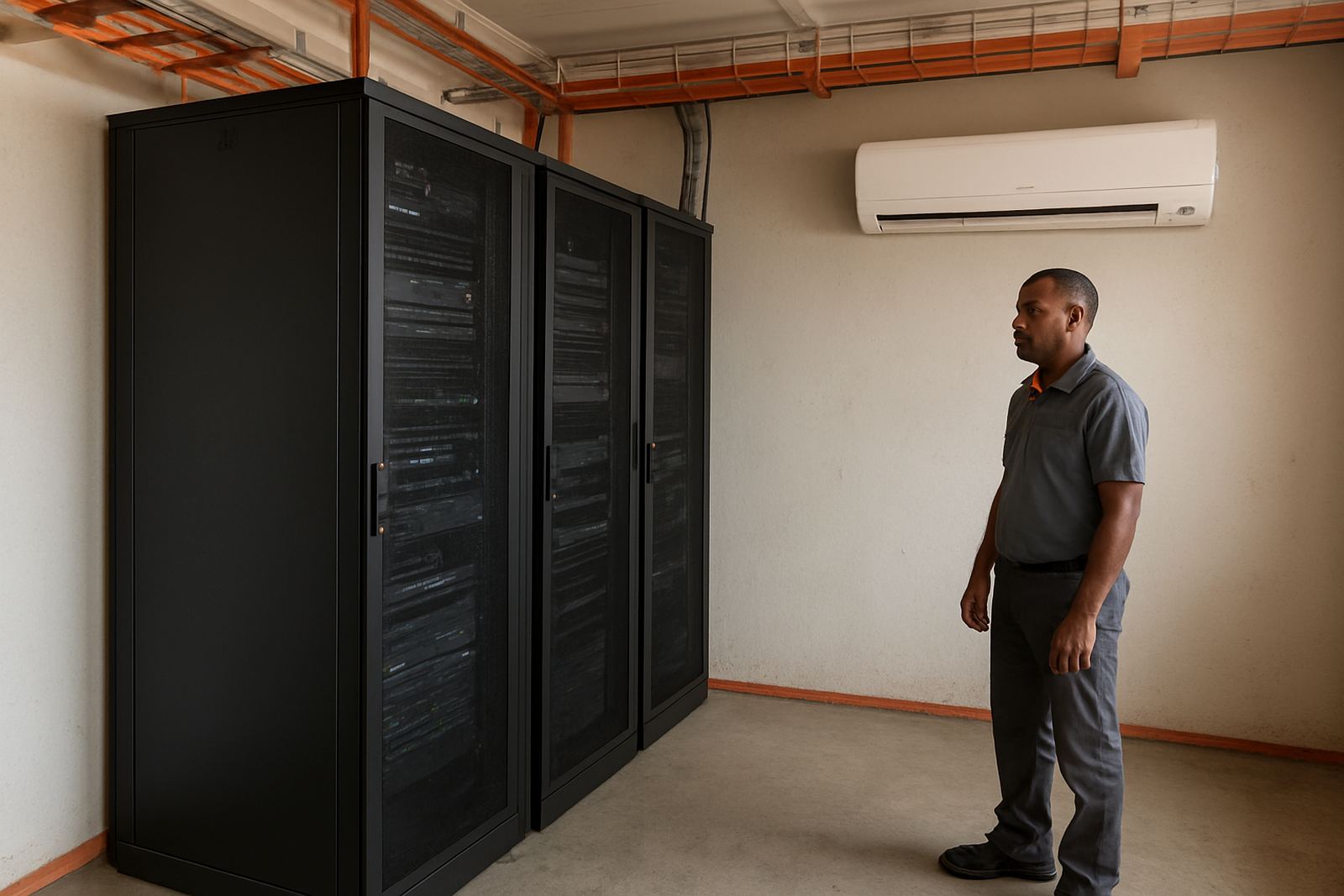
A server room is not like an office or a store room. The equipment runs all day, and every unit adds heat to the room. If the temperature climbs too high, fans work harder, components age faster and the chance of sudden failure goes up. In Kimberley, where summer heat and dry dust are part of daily life, that risk is even higher.
Dedicated cooling keeps the room within a steady range, rather than relying on general building air. That matters when the rest of the premises is warm, doors are opening and closing, or power cuts interrupt normal operation. A server room that is left to chance can look fine on the outside and still be cooking the gear inside.
- Stable temperature helps protect network switches, servers and storage units.
- Lower heat reduces strain on internal components and cabling.
- Dedicated cooling makes it easier to control dust and airflow.
- It also supports uptime during long business hours and after-hours backups.
What heat does to sensitive equipment
Heat does not usually cause one dramatic failure. It builds up slowly. You may first notice noisy fans, random restarts, warning lights or a room that feels hotter than it should. After that comes slower performance, data errors, and in some cases a complete shutdown. If the room also has poor ventilation, the hot air just circles back and the problem gets worse.
Humidity can matter too, especially where cooled air meets warm air from outside. Too much moisture increases corrosion risk. Too little can encourage static build-up. The aim is not just cold air, but controlled air.
- Overheating shortens the life of power supplies and hard-working fans.
- Repeated temperature swings can damage solder joints and circuit boards.
- Dust drawn in through gaps can settle on filters and internal parts.
- Small faults become more expensive when they affect the whole network.
How to size cooling for the room
The right cooling solution starts with the room size, the number of units inside it and the heat they give off. A small office server room may only need one properly selected unit, while a larger room with racks, UPS equipment and network gear may need more than one. It is not just about square metres, but the actual heat load and the way air moves through the space.
At Modern Equipment in New Park, Kimberley, the practical approach is to look at the full setup before recommending a system. That includes ceiling height, insulation, door use, sun exposure, and whether the room shares a wall with a warm plant area or workshop. The aim is to avoid under-sizing, because an undersized system runs flat out and still does not keep up.
- Measure the room and note how much equipment runs continuously.
- Check whether hot air has a clear path out of the room.
- Make sure return air and supply air are not short-circuiting.
- Allow for growth if more equipment will be added later.
Planning for load-shedding and backup power
In the Northern Cape, power cuts are part of planning, not an afterthought. A server room that depends on cooling but has no backup strategy can lose temperature fast during load-shedding. Even a short outage can be a problem if the room is already warm and the equipment is working hard.
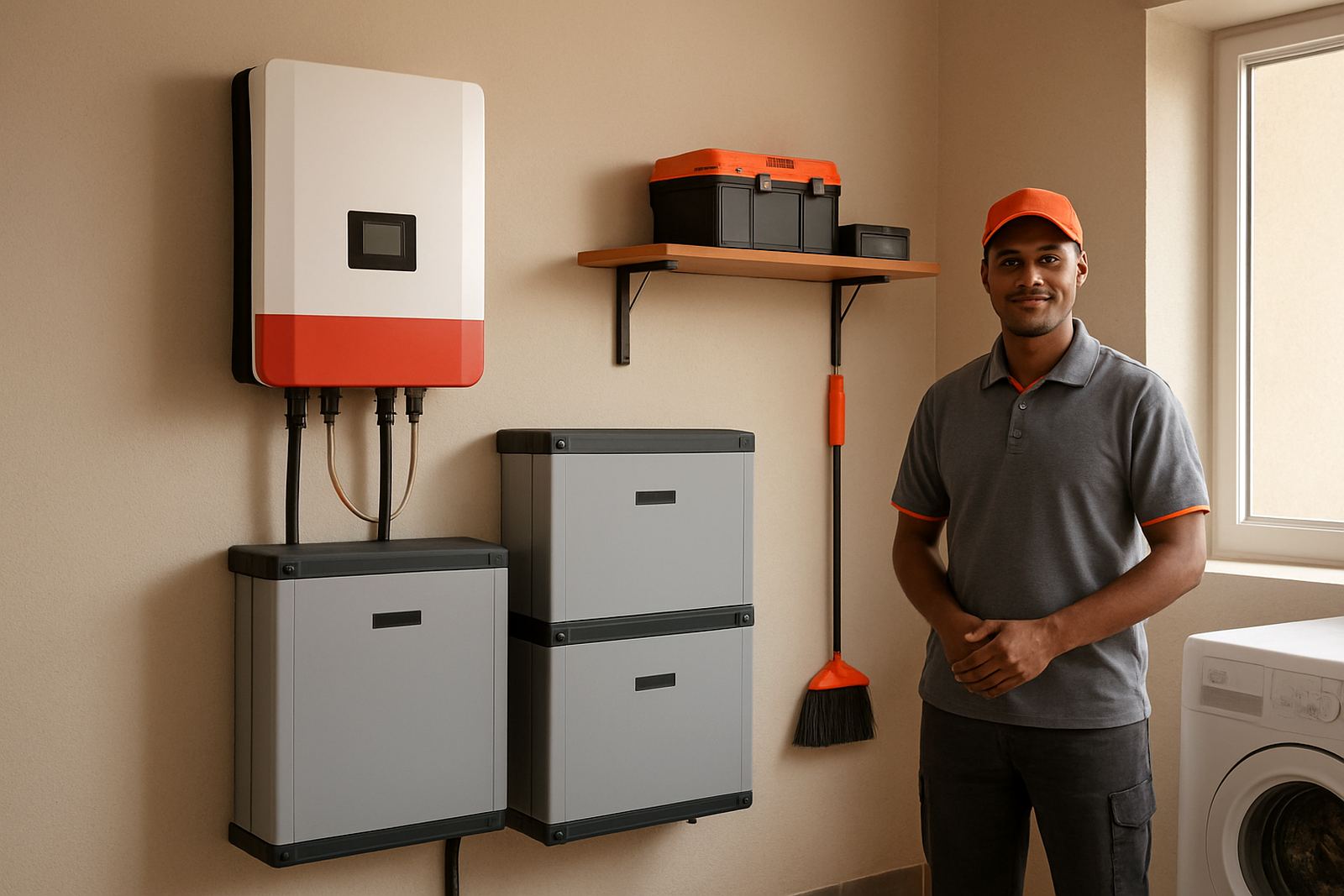
That is why cooling should be considered alongside solar backup installation, battery support, and the critical load on the site. Not every air-conditioning setup belongs on backup, but for many server rooms the cooling load is as important as the network gear itself. If the cooling stops, the electronics may not last long enough for the backup power to do its job properly.
Modern Equipment works with businesses across Kimberley, Roodepan, Galeshewe, Kuruman and Upington to plan practical cooling and power arrangements that suit local conditions. No two sites are the same, and a one-size-fits-all setup usually ends up costing more later.
Good airflow, clean filters and simple upkeep
Cooling is not only about the machine on the wall. It is also about the room. A server room should stay tidy, with cables managed properly and no boxes stacked against vents. Filters need cleaning on a schedule, because a dusty filter will make the system work harder and that can lead to poor cooling when you need it most.
Servicing should include checking gas pressures, drain lines, fan condition and thermostat settings. If the room has been altered over time, the original cooling plan might no longer suit it. That is common in offices that started small and kept adding equipment as the business grew.
- Keep the room free of paper, packaging and loose dust.
- Check filters more often in areas with construction or workshop activity.
- Test alarms and controls after maintenance or power interruptions.
- Do not block the front or back of racks with stored items.
A local example from Kimberley
One local business in Kimberley had a small server room tucked into a back office. It was fine in winter, but during summer the room warmed quickly, especially after midday when the sun hit the building. The staff noticed that equipment fans were running hard and the room felt uncomfortable even before lunch. During one of those hot weeks, a network switch tripped and brought work to a standstill for part of the day.
After assessing the room, the cooling was adjusted to suit the actual load and airflow pattern. The business also made space around the equipment, improved maintenance checks and linked the cooling plan to their backup power schedule. The difference was clear. Temperatures stayed steadier and the room stopped feeling like an afterthought. That is usually the point where people realise the cooling was protecting more than just hardware.
For firms in New Park, Galeshewe, Roodepan, Kuruman or Upington, the lesson is simple: if the equipment matters, the room it lives in matters too. A server room is not a place to guess your way through. It needs the same practical attention you would give to refrigeration, ventilation or any other critical system.